


|
|
|
|
|
Servoy Smart Client is installed automatically so it does not have to be installed.
You can start Servoy Smart Client:
OR
To launch Servoy Smart Client from the Servoy Server web page:
After a default installation, the server runs on the port 8080.
For example:
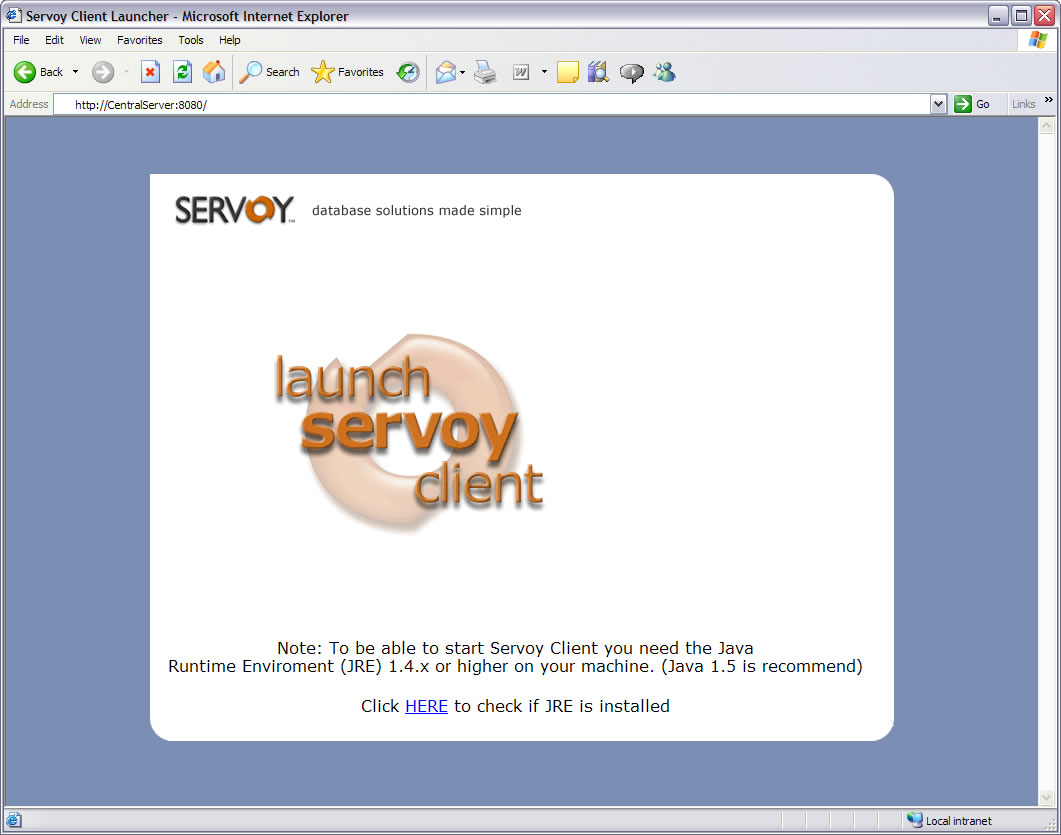
If Servoy Server is running on a server computer called "CentralServer", then type the following text in the Address bar of your web browser:
http://centralserver:8080/
You will see the following screen:
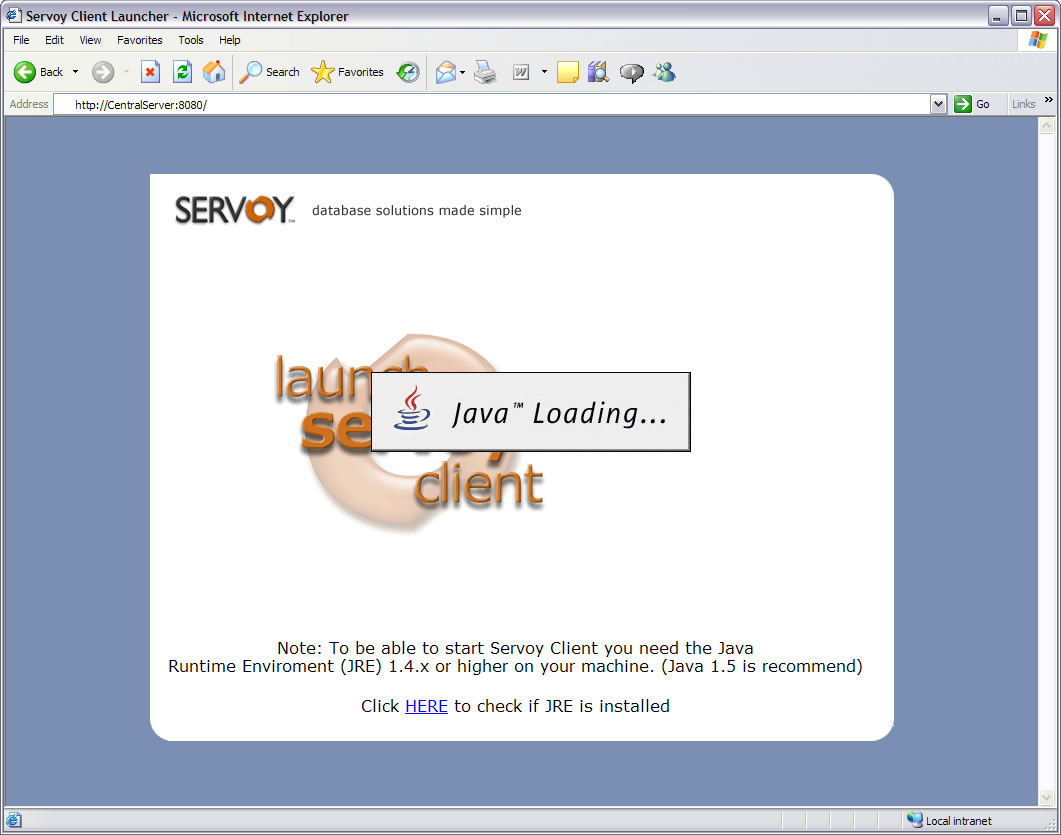
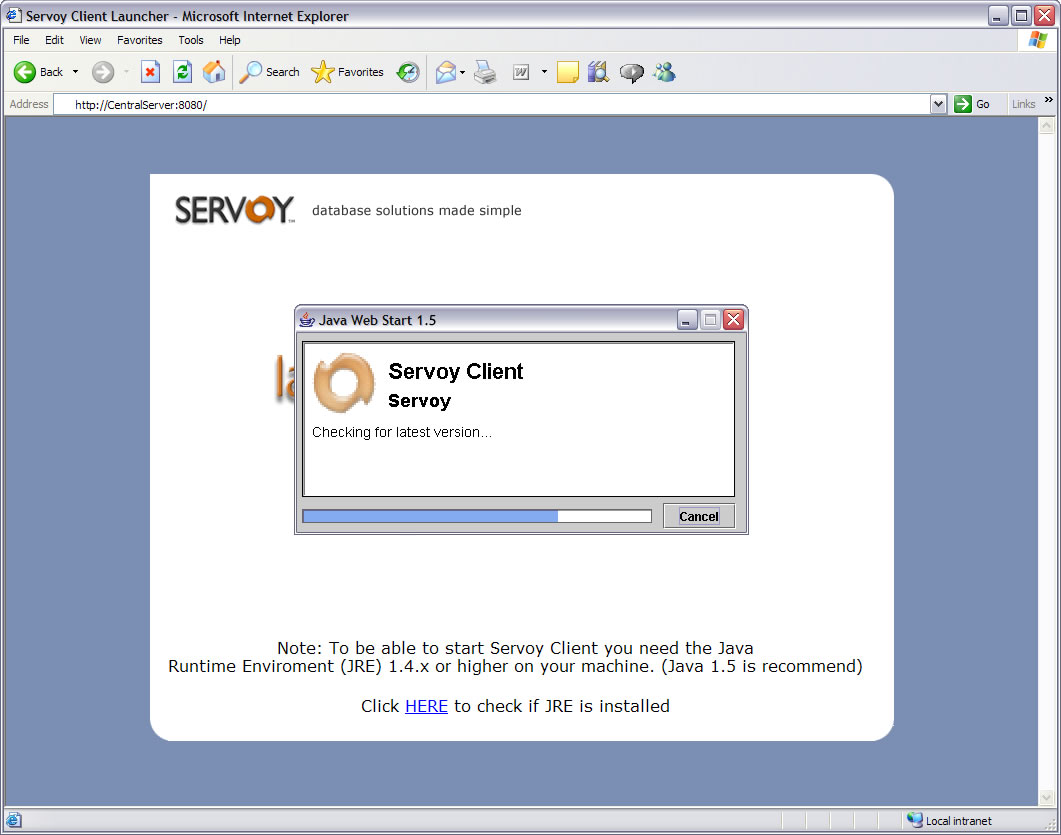
Once the necessary files have been downoaded, you should see this screen:
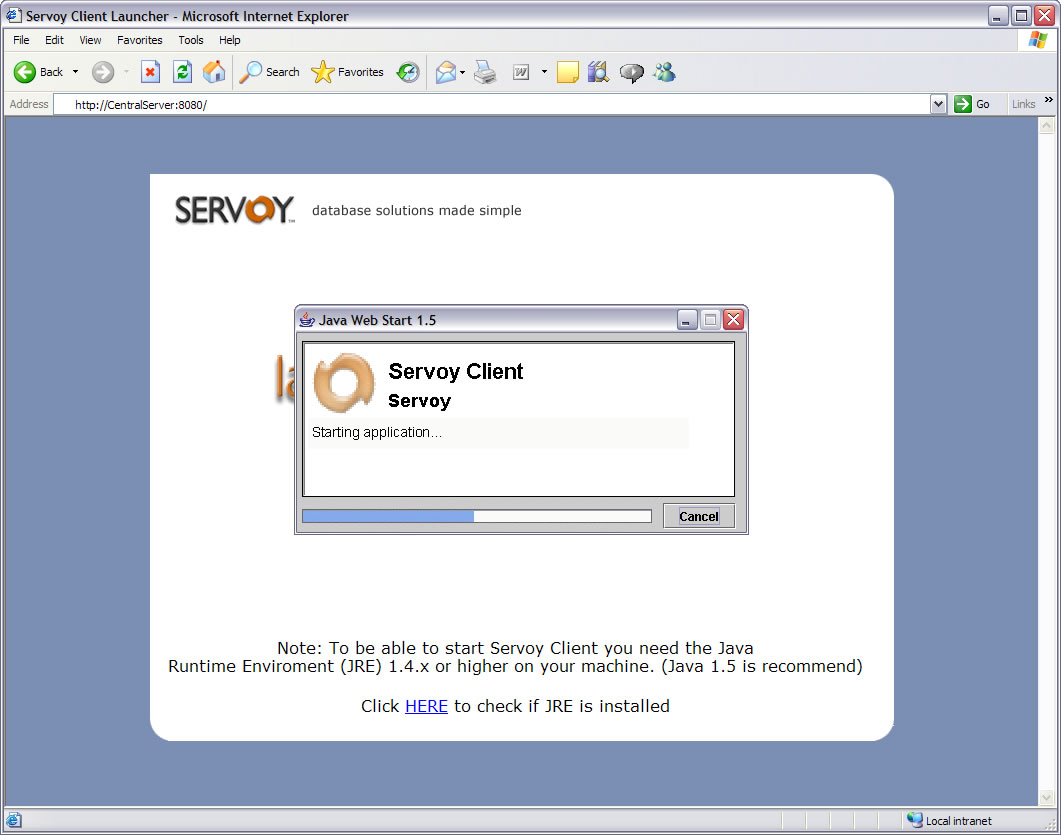
For more detail, see Opening a solution.
NOTE: The screens you see when launching Servoy may vary slightly - especially after the first time you launch Servoy; and depending on the speed of the computer you are using.
To launch Servoy Smart Client by typing in a URL address:
(You may need to check with your database Administrator if you don't know the URL address for Servoy Smart Client.)
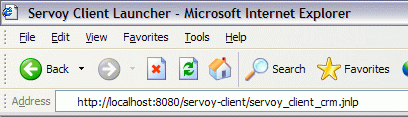
For example, to start the Servoy CRM Demo, enter:
http://localhost:8080/servoy-client/servoy_client_crm.jnlp