


|
|
|
|
|
Because Servoy Web Client is run in your web browser, there is no installation of any software.
You can start Servoy Web Client:
OR
To launch Servoy Web Client from the Servoy Server web page:
By default, the server runs on the port 8080.
Then type "servoy-webclient".
For example:
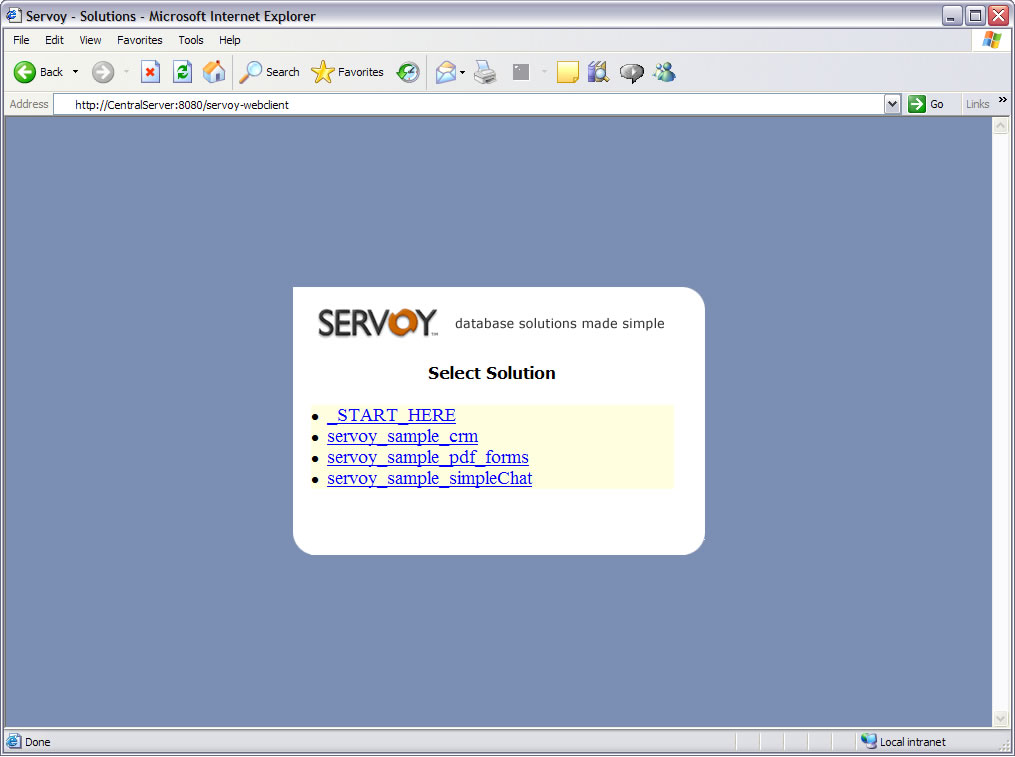
If Servoy Server is running on a server computer called "CentralServer", then type the following text in the Address bar of your web browser:
http://centralserver:8080/servoy-webclient
You will see the following screen:
To launch Servoy Web Client by typing in a URL address:
(You may need to check with your database Administrator
if you don't know the URL address for Servoy Web Client.)