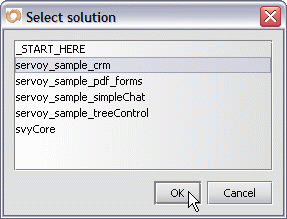
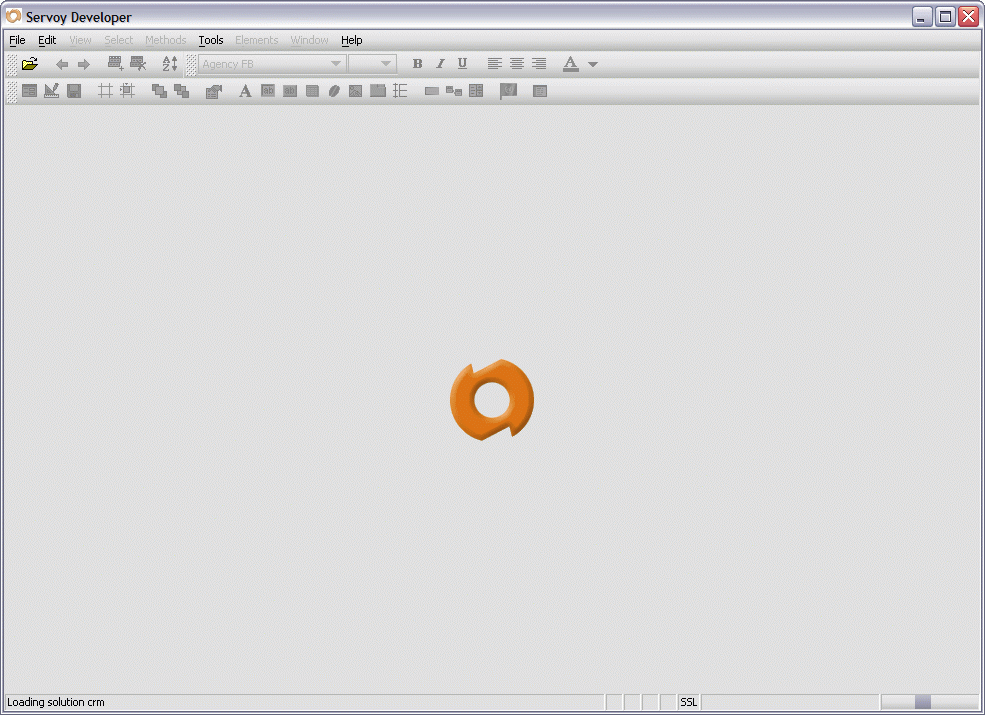
To open a solution:
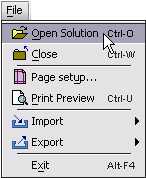
Press CTRL-O / CMD-O. OR
Click on the Open Solution tool in the Edit toolbar.
NOTE: You may be presented with the Select solution dialog when Servoy first opens. Follow the two steps listed just above the note.
See Also
Getting Started
Servoy concepts
Introduction to starting Servoy Client
Exiting Servoy Client
Closing a solution
Servoy modes
Finding data
Viewing data
Editing Data
Relooking up data
Sorting Data


 in the Edit toolbar.