Exporting data as a text file
Servoy can export data from your solution as a text 'separated value' export file. The exported data can:
- Use any separator value.
- Include one or more export fields.
The most common export file formats are tab separated (.TAB)
and comma separated (.CSV).
Formatted text fields are exported as Rich Text Format (RTF) - which can be read by many applications (such as MS WORD).
To export data as a text file:
- Go to the form for which you want to export the data.
- Make sure the data you want to export is in your found set.
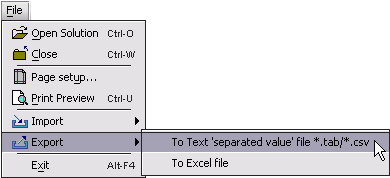
- Choose File > Export > To Text 'separated value' file *.tab/*.csv.
- You should see the Export dialog:
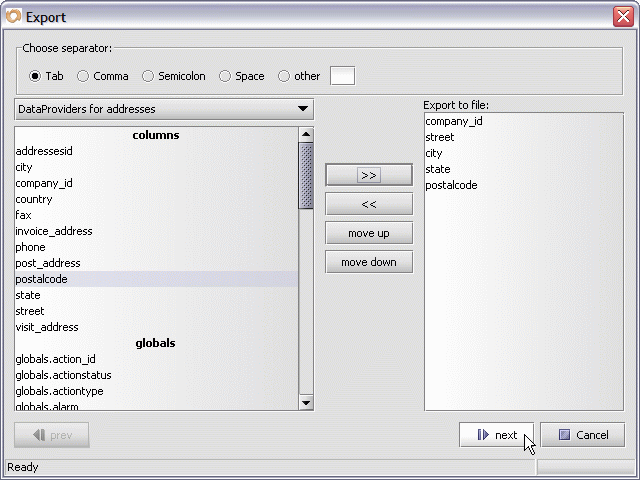
- Click the Choose export separator radio button next to the type
of separator value you want to use for your export:- Tab.
- Semi-colon.
- Comma.
- Space.
- Other (you can enter your own separator value).
- Choose the field(s) you want to export the data from.
- Click the >> button to move the fields you want exported to the
Export to file list on the right. - Use the move up and move down buttons to change the
order of the export fields in the Export to file list. - Press the Next button.
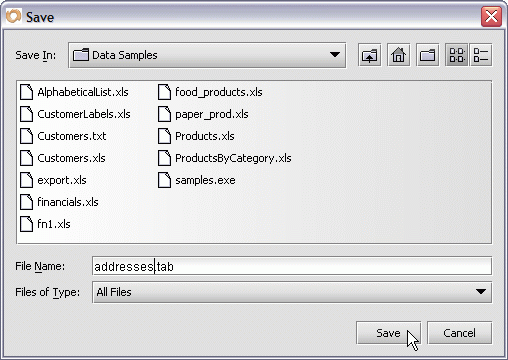
- Enter the name of your export file in the File Name text box.
- Choose the location for the export file.
- Press the Save button to dismiss the Save File dialog.
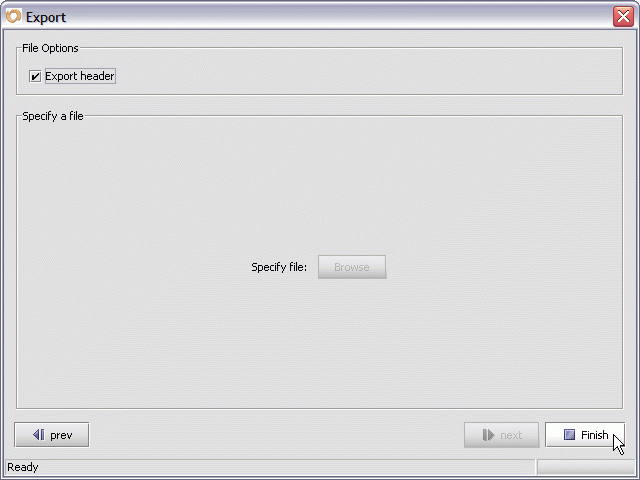
- Check the Export header checkbox
(If you want the names of each column to appear as the first
exported row).
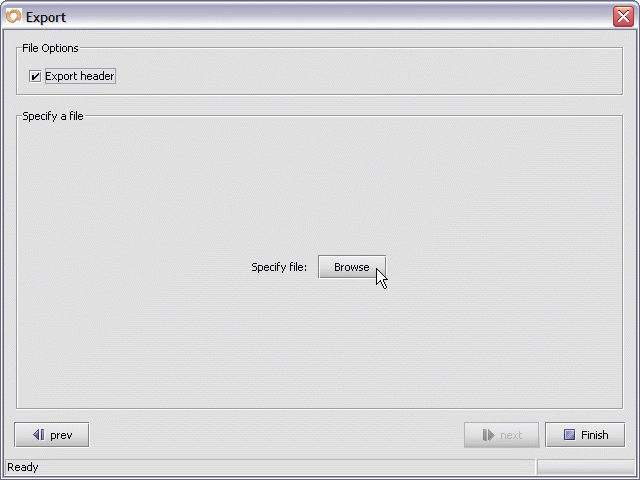
- Press Next to start the export of your data - from the currently active form.
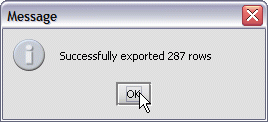
Press the OK button to dismiss the Message dialog.
The data in your current found set is now available as an exported file - using the separator that you specified in the Export dialog.


