Importing data from an Excel file
Servoy can import data from Excel files (.XLS) into your solution. The imported files can:
- Be imported from any worksheet in an Excel file.
- Have one or more columns.
To import data from an Excel file:
- Make sure you are on the form that you want to import data to.
- Choose File > Import > From Excel file.

You will see the following Import dialog:
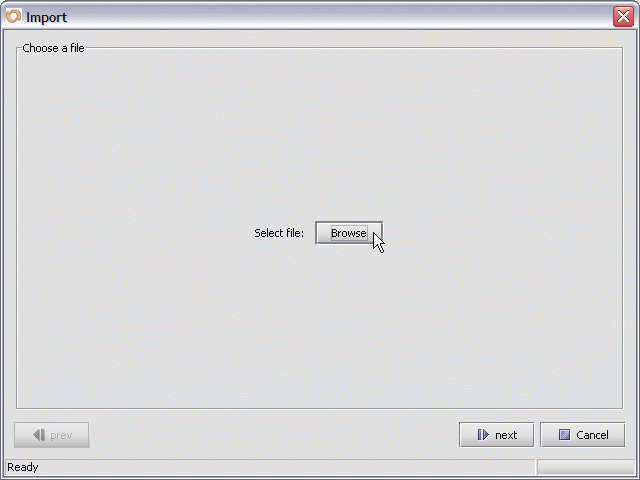
- Click on Browse to display the File Open dialog.
- Navigate to the text file you want to import data from.
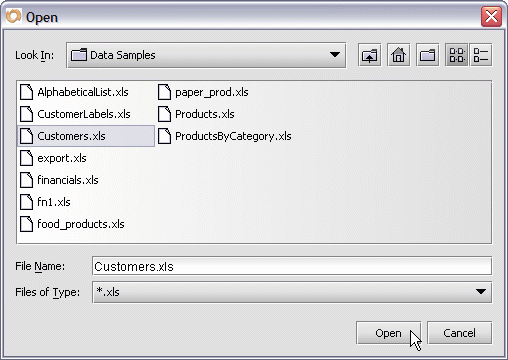
- Select the desired file.
- Press the Open button to display the next Import dialog.
In this dialog, you should see an overview of your Excel import data:
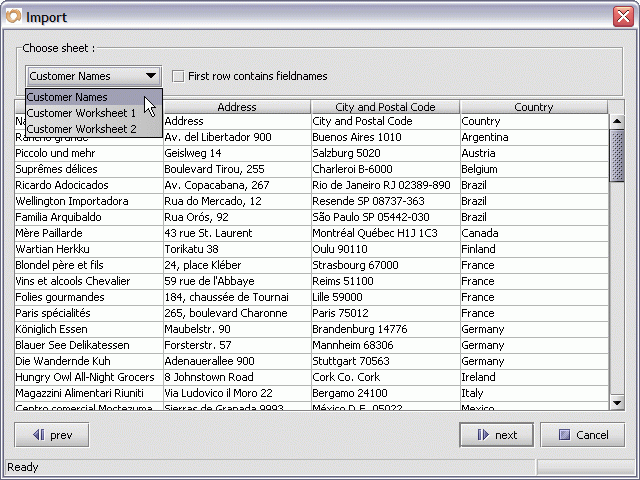
- Click the Choose sheet pull-down menu to select the worksheet
of the Excel file you are importing.
- Check the checkbox First row contains fieldnames.
(only if your column names are in the first line of your Excel file).
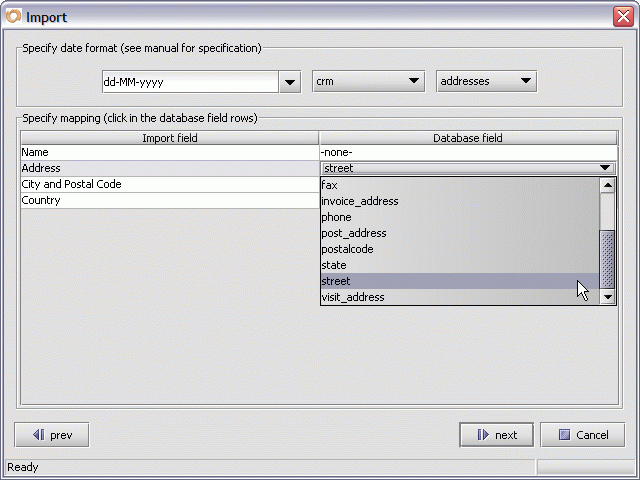
- Specify a date format (if applicable to the data you are importing).
For more information, see Importing dates.
- Now map each Excel import column to the corresponding database field (column) you want to import into - by choosing the column name from the pull-down menu in each row of the Database field column.
- Press the Next button to start the import.

When the data has been imported, you will see:
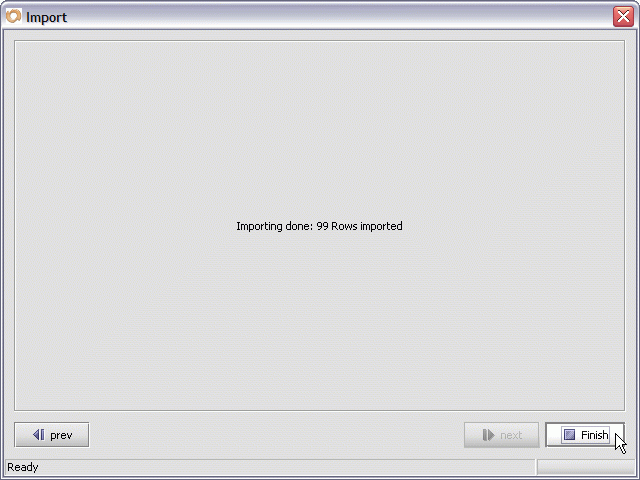
Press Finish to complete the import process.


