


|
|
|
|
|
You can view data when you are in Data (ready) mode - not in Find mode.
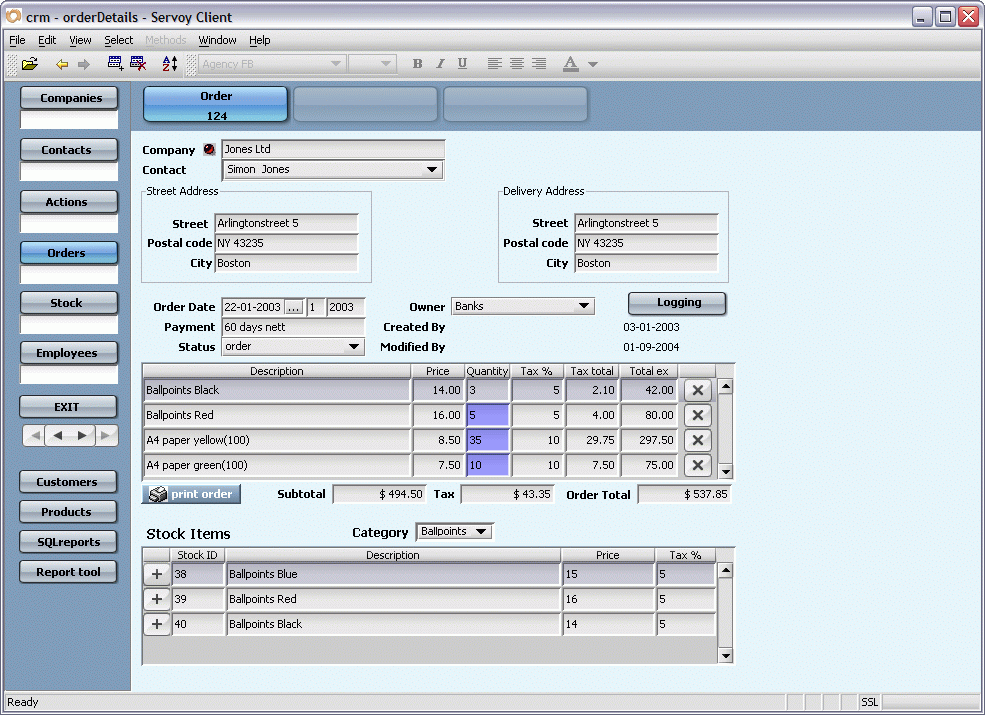
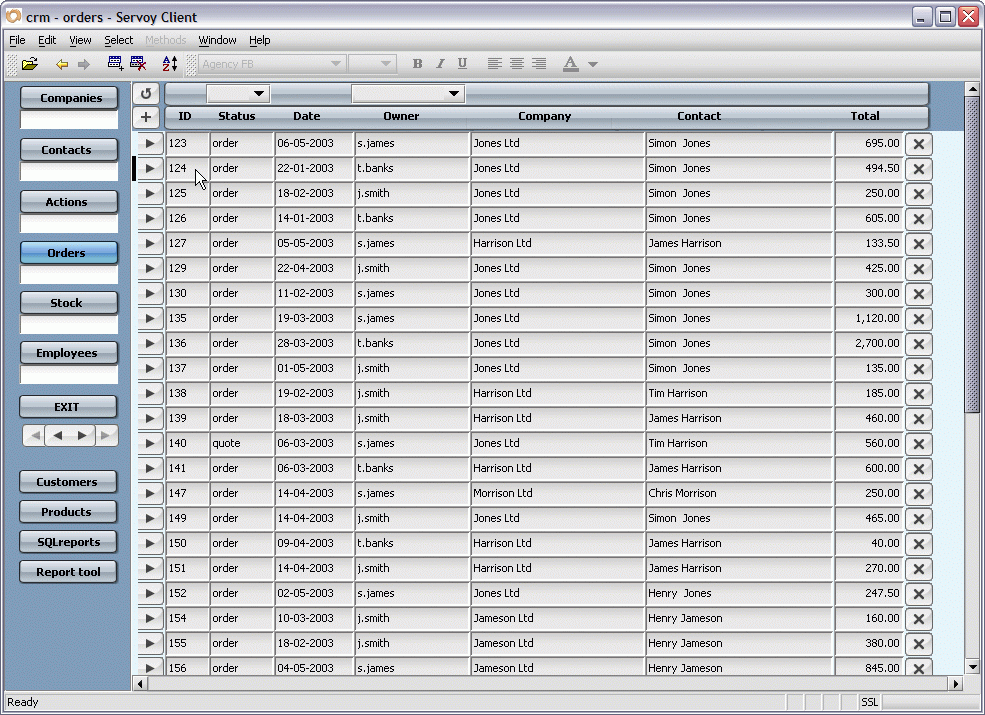
In Servoy you can view data in a form in one of two ways:
In Record view:
In List view:
(located to the left of the record).

(located on the right side of the active form when there are more records in
your current found set than will fit in the size of the currently active form).
(located at the bottom of the active form when each record takes up more space
horizontally than will fit in the size of the currently active form).
Your solution may enable you to look at the data on a form as a single record or as a list of records.
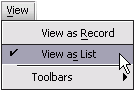
To switch from Record view to List view:
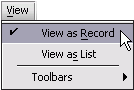
To switch from List view to Record view:
NOTE: Being able to view your data on a specific form in Record view or List view depends, in part, on the design of the solution you are using.
Servoy provides two ways for you to move easily between forms.
You can:
To help you go to the next form or back to the previous form - similar to the buttons in your internet browser - Servoy has included built-in navigation arrows as part of the Edit toolbar.

Using the navigation arrows, you can go:
To show the Edit toolbar:
NOTE: For more information on toolbar options, see the section called Toolbars.
To go to the next form:
 on the Edit toolbar.
NOTE: The Forward arrow will be "grayed out" unless you have gone to more than two forms.
To go to the previous form:
 on the Edit toolbar.
Servoy automatically keeps track of the last nine (9) forms you navigated to.
You can also navigate between forms in Servoy by using the
Window menu.
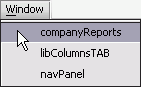
To use the Window menu:
NOTE: The number and availability of forms included in the Window menu form list depends entirely on the Servoy solution you are using.
Servoy also provides a simple way to navigate to the next or previous record on the currently active form.
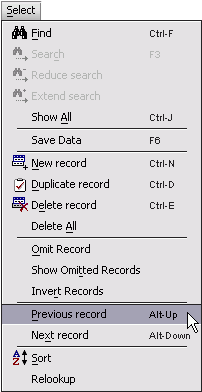
To view the data in the previous record:
Press the keyboard shortcut ALT-UP / OPTION-UP.
To view the data in the next record:
Press the keyboard shortcut ALT-DOWN / OPTION-DOWN.
In Data (ready) mode you can:
NOTE: For more information on modes, see the section called Servoy modes earlier in this chapter.