


|
|
|
|
|
With Servoy you can print:
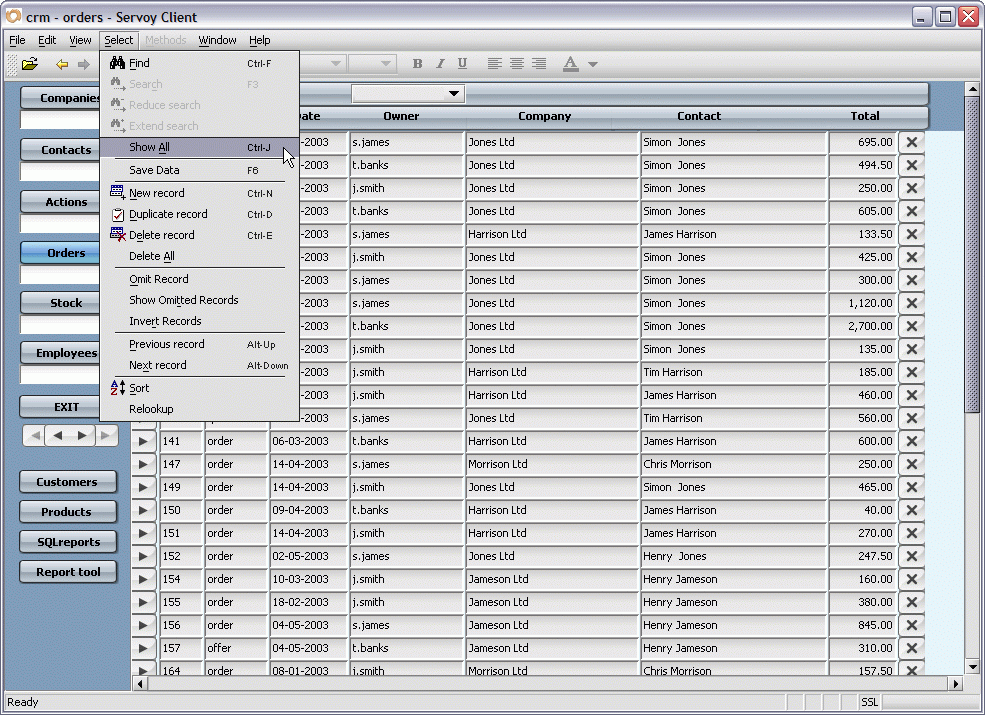
To print all records:
Press the keyboard shortcut CTRL-J / CMD-J.
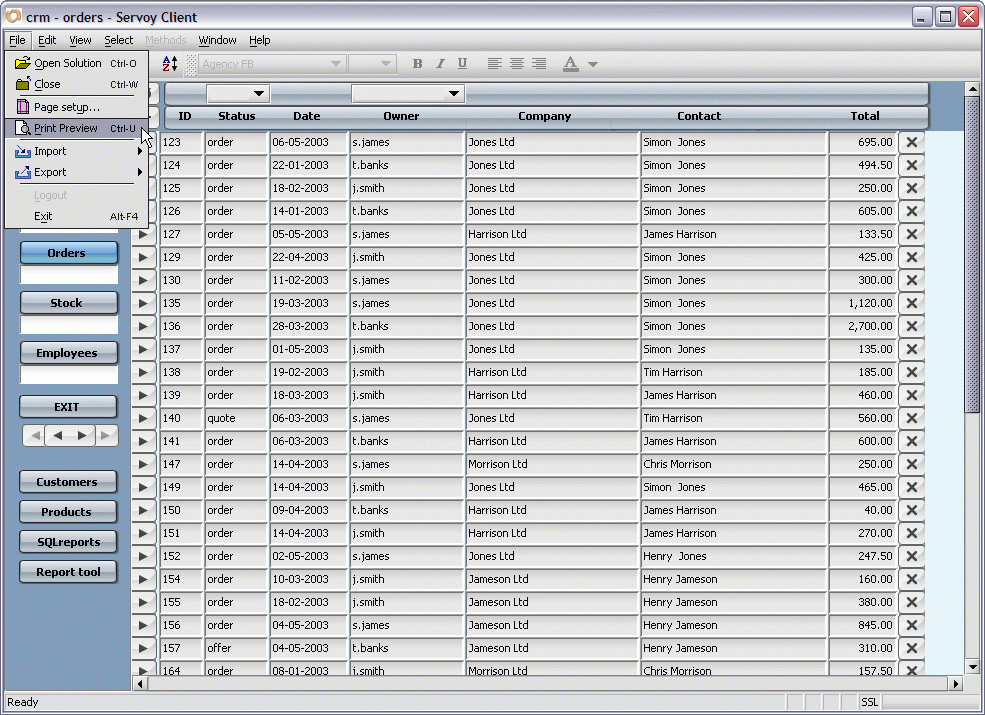
Press the keyboard shortcut CTRL-U / CMD-U.
To print a found set of records:
(Your found set should contain the records you want to include.)
For more information on finding records, see the section on
Finding data in the Getting Started chapter.
Press the keyboard shortcut CTRL-U / CMD-U.
To print the current record:
For more information on finding records, see the section on Finding data in the Getting Started chapter.
Press the keyboard shortcut CTRL-U / CMD-U.
To print a report with one or more subsummaries:
For detail on Sorting, see the section called Sorting data.
Press the keyboard shortcut CTRL-U / CMD-U.
For more information on subsummary parts see the Forms, Parts section in the Servoy Developer User's Guide.